How to click faster
Anyone can add a couple of clicks per second with the right technique and a little practice. This guide breaks down every clicking style, the gear that helps, and a simple routine to train your hands.
Speed is a skill you can build
Almost nobody starts out fast. The clickers who hit big numbers got there by picking a technique that suits their hand, dialing in their gear, and putting in short, regular practice. Treat your CPS like any other skill and it will climb.
A quick word on safety first. Aggressive techniques like jitter and butterfly clicking put real stress on your wrist and fingers. They are great for short bursts, but stop the moment anything starts to ache and give your hand time to recover.
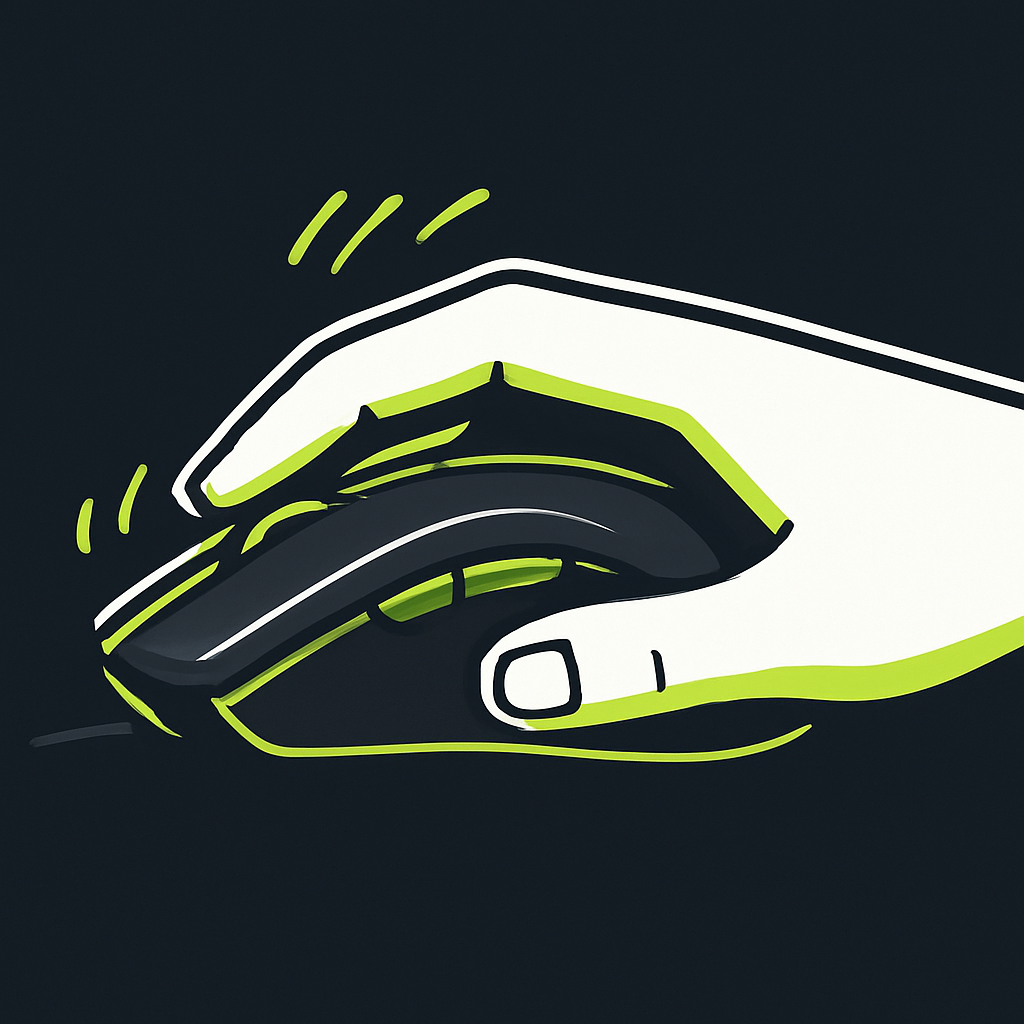
The four clicking techniques
Each one trades comfort for speed in a slightly different way. Start at the top and only move down when you have the basics locked in.
Regular clicking
The everyday way most people click, using one finger to press the button. It is comfortable, accurate and easy to keep up for long tests. If you are just starting out, get consistent here before chasing anything fancier.
Jitter clicking
You tense your forearm so the muscle vibrates and your finger taps the button very quickly. It can push your score well past 10 CPS, but it is tiring and puts strain on the wrist, so warm up first and never push through pain.
Butterfly clicking
Two fingers alternate on the same button so each press lands in the gap left by the other. It produces huge numbers fast, though some games and servers treat very high bursts as double clicks, so use it where it is allowed.
Drag clicking
You drag a finger across the button so friction registers many clicks in one motion. It needs a grippy mouse and a bit of practice, and it is the most situational technique, but the raw numbers are the highest of all.
Six tips that actually move your score
- Use a light gaming mouse with a crisp, low resistance button instead of a stiff office mouse or a trackpad.
- Rest your wrist on the desk and keep your hand relaxed, tension slows you down and tires you out faster.
- Warm your hand up for a minute before a serious attempt, cold fingers are noticeably slower.
- Lower your mouse debounce time if your software allows it, so quick presses are not filtered out.
- Practice in short bursts of a few minutes rather than long grinding sessions, speed comes from sharpness not exhaustion.
- Track your best score and only change one thing at a time, so you know what is actually helping.
A simple weekly routine
Warm up with one easy 5 second run. Do three focused 5 second tests pushing for speed. Finish with one 30 second test to build stamina. Five minutes a day, and within a couple of weeks your average will climb noticeably.
Start training now